Settings
Configure Docket's behavior, security, and system options.
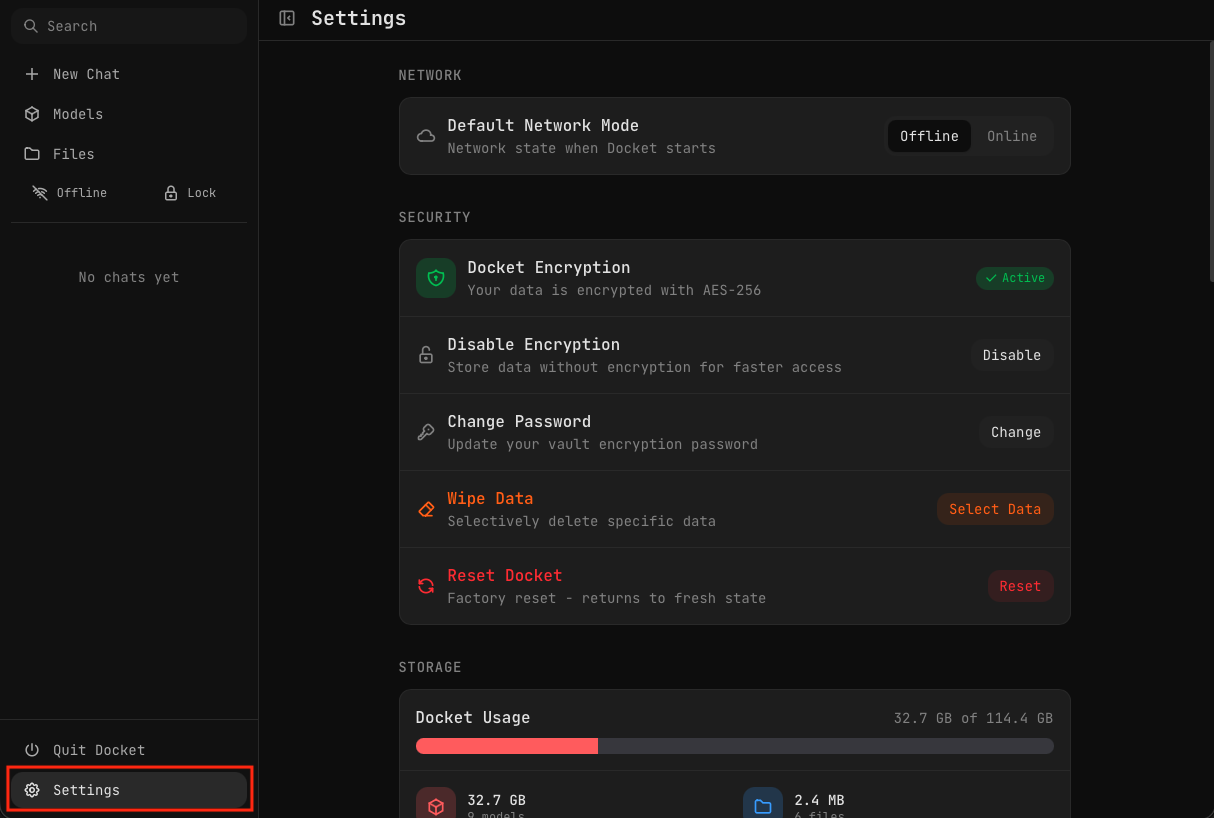
Access Settings from the Settings option in the sidebar (bottom left).
These are app-wide settings. For chat-specific settings like temperature and system prompts, see Chat Settings.
Network
Set the default network mode when Docket starts.
| Mode | Description |
|---|---|
| Offline (default) | No network connections allowed. Complete privacy. |
| Online | Enables OpenRouter API access and update checking |
You can always toggle between Offline and Online mode using the Offline/Online button in the sidebar.
Security
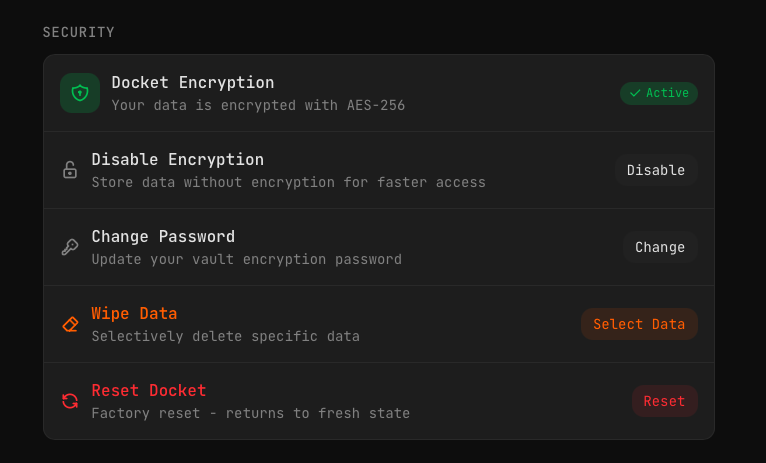
Manage encryption and data protection.
| Option | Description |
|---|---|
| Docket Encryption | Shows current encryption status (Active/Inactive) |
| Disable Encryption | Turn off encryption for faster access (data will be unencrypted) |
| Change Password | Update your vault encryption password |
| Wipe Data | Selectively delete specific data (chats, files, models, etc.) |
| Reset Docket | Factory reset — returns Docket to fresh state |
Reset Docket will permanently delete all your data including chats, files, and downloaded models. This cannot be undone.
For more details, see Encryption and Vault.
Storage
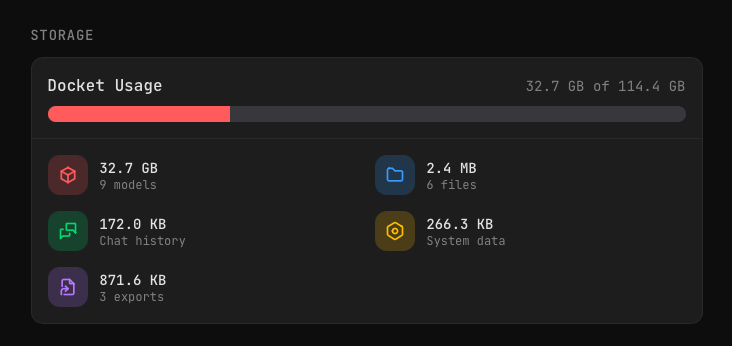
View a breakdown of storage usage on your Docket drive:
- Docket Usage — Total space used vs. available
- Models — Space used by AI models
- Files — Space used by uploaded files
- Chat history — Space used by conversations
- Exports — Space used by exported files
- System data — Space used by app data
Runtime Engine
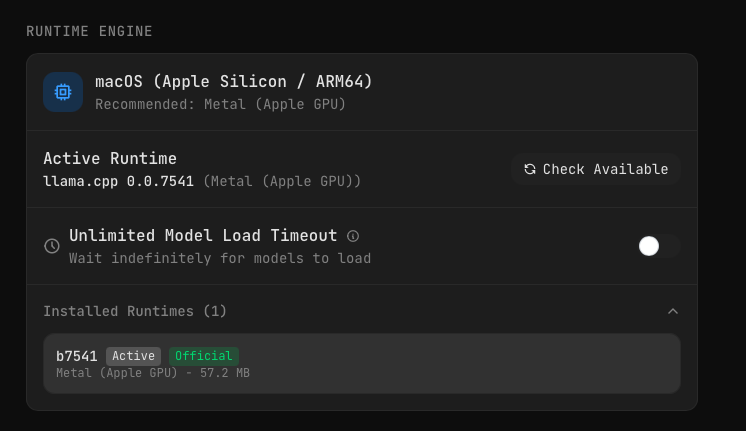
Docket comes pre-installed with runtimes for all platforms:
| Platform | Available Runtimes |
|---|---|
| macOS (Apple Silicon) | Metal (Apple GPU) — Recommended |
| macOS (Intel) | CPU |
| Windows | CUDA (NVIDIA GPU), Vulkan, CPU |
| Linux | Vulkan, CPU |
Docket automatically selects the most optimal runtime for your system.
Checking for Updates
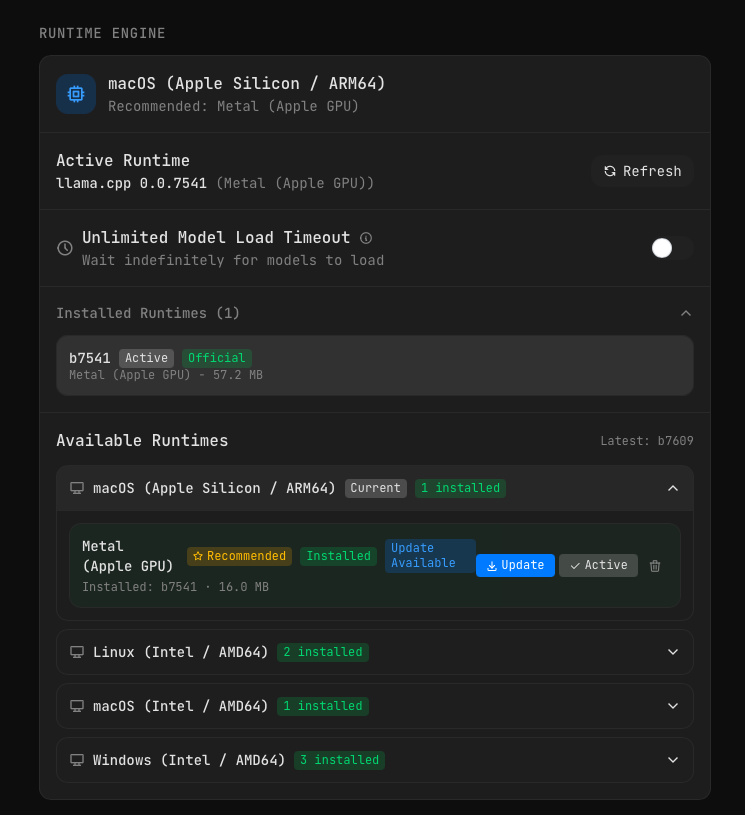
Click Check Available to see if newer runtimes are available from llama.cpp. When online, you can download and install updated runtimes directly.
The runtime list shows:
- Current — Your detected platform
- Installed — Runtimes already on your Docket
- Update Available — Newer versions you can download
- Recommended — Best runtime for your hardware
Unlimited Model Load Timeout
Toggle this option to allow models up to 10 minutes to load. This is useful for:
- Larger models (14B+)
- Slower systems
- USB 2.0 connections
By default, model loading times out after a shorter period.
Machine Specs
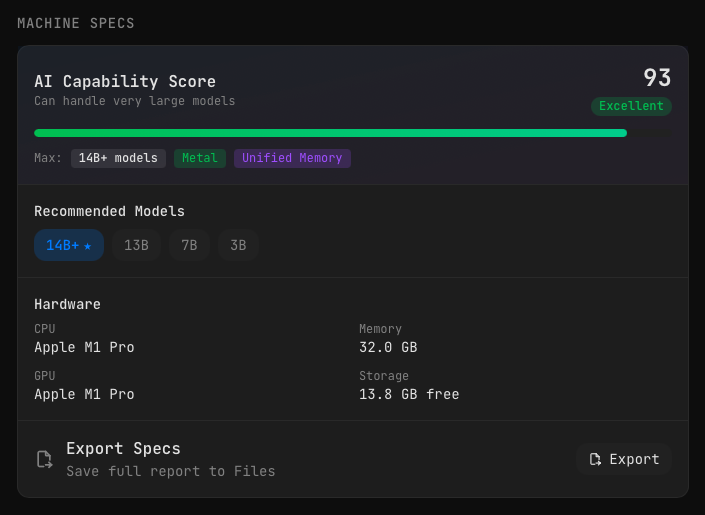
View your system's AI capability:
- AI Capability Score — Overall rating (0-100) with category (Poor, Fair, Good, Excellent)
- Max Model Size — Largest models your system can run
- Hardware Tags — Your system's capabilities (Metal, Unified Memory, etc.)
- Recommended Models — Model sizes suited to your hardware
- Hardware Details — CPU, GPU, Memory, Storage
Click Export to save a full specs report to your Files.
For more details, see Machine Specs.
API Keys
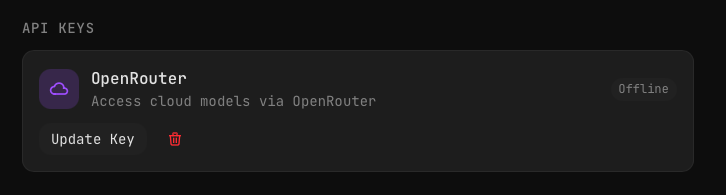
Manage API keys for cloud model providers.
OpenRouter
Add or update your OpenRouter API key to access cloud models like GPT-4, Claude, and Gemini.
- Update Key — Add or change your API key
- Delete — Remove the key
You can also manage API keys from the Models page.
API keys are only used when in Online mode. In Offline mode, no data is sent to external services.
Updates
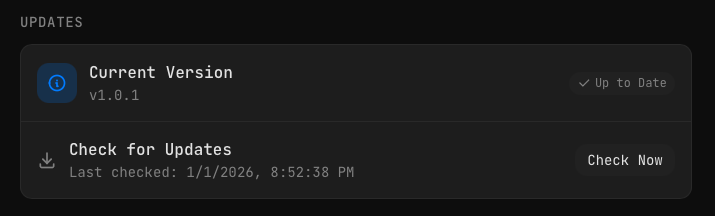
Check for and install Docket updates.
- Current Version — Shows your installed version
- Check Now — Check for available updates (requires Online mode)
When an update is available, you can install it directly to your Docket drive. Updates include improvements for all platforms (macOS, Windows, and Linux) regardless of which platform you're updating from.
You never have to update your Docket. It's designed to work completely offline, forever. Updates are optional and only needed if you want new features or improvements. Your Docket will continue to function perfectly in airgapped environments indefinitely.
About

View information about your Docket:
- Version — Current app version
- Description — What Docket is
- Website — Link to docketdrive.dev
- Hugging Face — Link to our Hugging Face page